CalLINKS Work
Case management built inside a CBO, for the people who do the work.
CalLINKS delivers Enhanced Care Management and Community Supports. We built CalLINKS Work for our own case managers first: one place to start the day, one record for each member, and referrals that are complete before they reach the plan.
It is built to carry more than one organization. Now we want to work out, with partner CBOs and the health plans we work with, what it looks like to share it.
The real work
Nothing in community care arrives in order.
A ride to cardiology falls through for the second time. A landlord still hasn’t sent the W-9, so the deposit packet can’t go. A housing packet comes back from the plan for a missing certification. A parent needs to be part of a consent conversation.
Each one is somebody’s job, and each one is easy to lose. CalLINKS Work doesn’t make the day neat. It makes it visible, in plain language, so the case manager can decide what comes first.
Needs attention
Get the landlord W-9
Asked twice. The deposit packet cannot go without it.
Due next
Book the annual reassessment visit
Due on the 15th. She prefers mornings.
Waiting on someone else
Re-check the Medi-Cal application
Filed in July. Waiting on the county eligibility office.
Left unfinished
Finish the habitability photos
Walked the unit. Only four of nine photos taken.
Those four groups are how My Work sorts every task. The examples are from the constructed caseload used in the screenshots on this page.
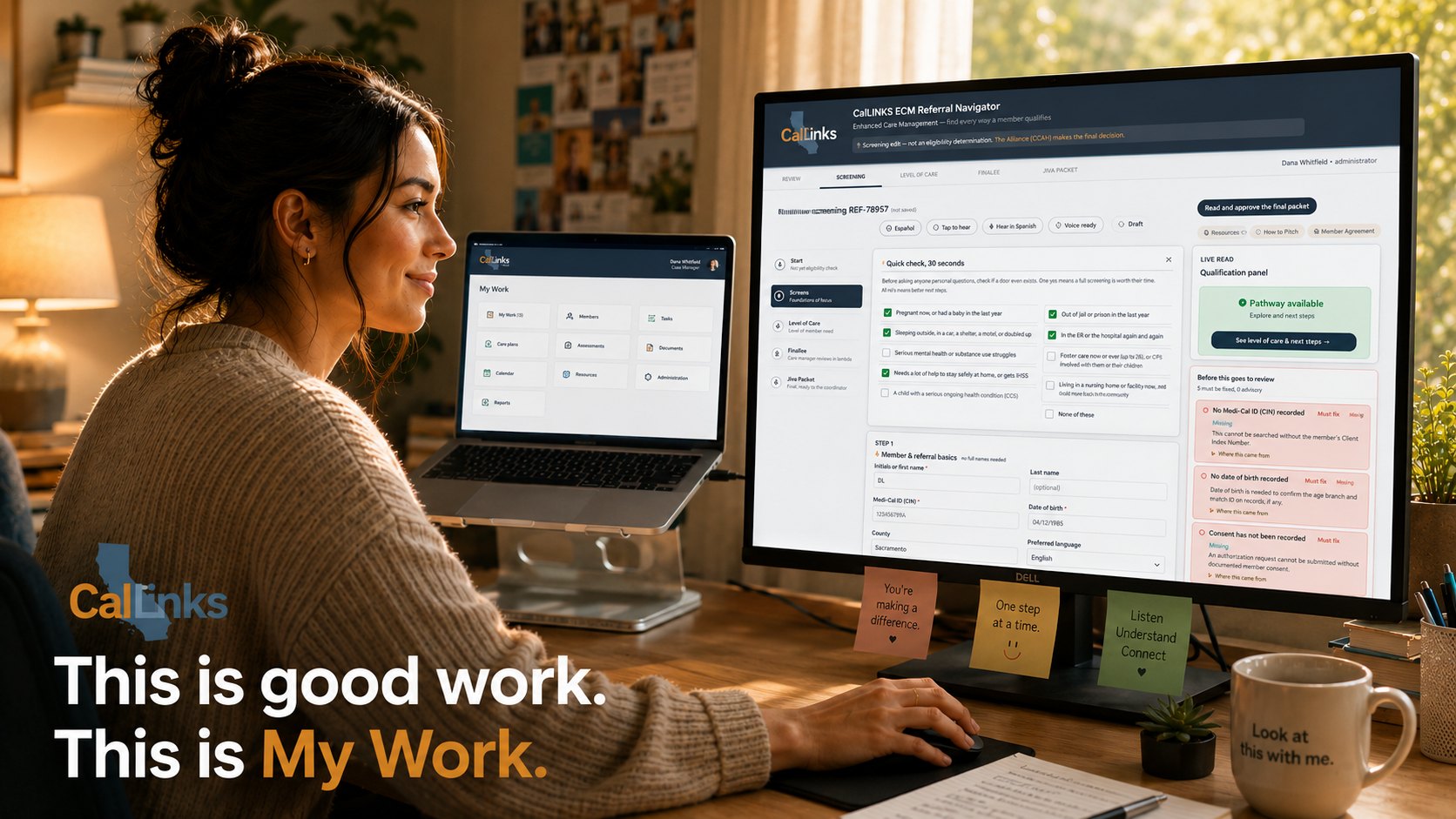
A look inside
Inside the working product.
Everything below is the working product. Click any screenshot to see it full size.
The Hub
Everything your organization can reach, on one page.
Daily work, records and follow-up, specialist tools, and the partnership with the plan. Specialist products open in their own tab. Access is set once by an administrator and applies in every product.
Caseload and the member record
Every member, who holds them, and when contact is due.
- Members are identified by Medi-Cal CIN, the number staff and the plan already use.
- Programs at a glance: ECM, Housing, Meals.
- Outreach attempts this cycle, and past-due contacts rise to the top.
- Open a member and the record shows open work earliest first, who it is waiting on, and who holds the case.
Care plans
A plan a reviewer would accept, honest about what is missing.
Need, goal, support and update on one page. A plan can start before the assessment is complete, and the gap shows as a named loose thread instead of a wall.
The plan says what is still owed: the member’s agreement, and the Lead Care Manager attestation the plan expects.
Housing
All four housing Community Supports, by stage.
Housing Navigation, Housing Deposits, Transitional Rent, and Housing Tenancy and Sustaining Services, tracked as Seeking, Matched, Placed and Sustaining. Every case shows where it stands and the next step, in the words the team actually used.
Screening & Assessment
One screening, every way a member qualifies.
The questions adapt to what the worker is screening for. Before anything leaves, the checks name what is missing, and the Jiva answer sheet is drafted from the assessment’s own questions.
A screening aid, not an eligibility determination. The health plan makes the final decision.
Billing Integrity Validator
Billing checked before it goes, with what clears each problem.
BIV checks the month’s sources, matches records with evidence, applies the approved rules, and shows exactly what stands between the month and a clean close.
It is not a billing engine. It creates no claim, and a named person submits.
Assist and Emma
Help that shows its work, and can read aloud.
Assist answers questions about the page it is on and lists where each answer came from. Emma reads a screen aloud in the browser’s own voice, in English or Spanish. Dictation lands in a draft that reaches the record only when a person files it.
Emma
Reads this page aloud · browser voice
You are on CalLINKS Workspace.
- Every CalLINKS surface your organization can reach, in one place. Specialist products open in their own tab.
- Ask me again on any page and I will read that screen back to you.
My Work
Member Records
Care Plans
Housing
Screenings
Capture
Calendar and tasks
Consents
The architecture
The whole platform on one page.
Who is working, where each product runs, what may hold member information, and which systems stay the authority. Each tool knows where its job ends.
CalLINKS platform architecture
One front door. Separate products. Two trust zones.
Where a product runs is what decides whether it may hold member information. The portal and the products do not run in the same place.
Data posture of each surface
- Holds member information
- Member information may pass through
- No member information, by design
Who is working
Case manager
the daily work
CBO and provider staff
participating organizations
Eligibility coordinator
review and plan entry
Billing operator
pre-submission review
Administrator
organizations, roles, access
Plan partner
the partnership
Zone 1 · Front door
work.callinks.org. The portal is the doorway, not the building.
CalLINKS Work
Every CalLINKS surface the organization can reach, in one place. It launches the specialist products; it is not them.
The portalMy Work and the care record
Surfaces of one member record, not separate applications: My Work, Members, Records, Capture, Tasks, Care plans, Screenings, Calendar, Consents, Referrals, Housing.
One member recordPartner Workspace
One plan, one place for the relationship itself: overview, campaign catalog, decisions, documents. The document index points at the governed library; a link is not authorization.
Partnership planeZone 2 · The operational products
CalLINKS-controlled Azure. Entra sign-in, private endpoints, managed secrets. Each opens in its own tab.
ECM Reassessment
Keeps enrollment justified and authorizations alive, on the plan’s cadence. Campaign queue, triage with a reason, reconciled closeout.
Holds member informationScreening & Assessment
Screens a member for every program they qualify for and prepares the authorization request. A screening aid; the plan determines.
ECM Referral Navigator
Turns a screening conversation into a checked, ready-to-key packet. Refuses to submit incomplete work.
Billing Integrity Validator
Is this ready to bill, and can a person see exactly why not. Not a billing engine: it creates no claim and submits nothing.
Administration Center
Organizations, programs, roles and access across the family. Set once; applies in every product.
Approved Guidance
Versioned, approved, inspectable guidance at the point of work. It informs the work; it is not the workflow engine.
Justice-Involved Reentry
Pre-release and reentry coordination as a Community Support.
Transactions & Campaigns
Cohort receipt, work issuance, member-level work lists, exceptions, returned evidence, reconciliation, closeout. Its own services, storage, permissions and audit.
Protected planeZone 2 · The exchange
The seam between organizations.
The exchange layer
Transaction identity · participants · protected-payload transport · delivery and return receipts · lifecycle correlation · authoritative return signaling. Not a case record, and not the plan’s clinical record. A provider participates through the care record, a connected system, or a single authenticated task page.
Zone 3 · Systems we do not own
They stay authoritative. We connect to them. We do not absorb them.
Jiva (ZeOmega)
Plan authorization. Jiva stays.
Office Ally
Claim submission. A person submits.
Provider systems
The CBO’s own case record. Never duplicated into ours.
SharePoint
Governed documents. Re-checks access on open.
Microsoft Entra
Identity for Zone 2.
The rule this drawing makes obvious
Member information belongs in Zone 2, inside CalLINKS-controlled infrastructure. Zone 3 systems remain the authority for authorization, claims and the provider’s own record. Two products hand off to them, and a person does the handing.
Who it is for
Built for the CBO. Visible to the plan. Felt by the member.
For partner CBOs
Run ECM and Community Supports without building the system yourself.
For health plans
Referrals that arrive complete. Work you can see. Your system stays the record.
For members
Fewer repeats, clearer steps, help in their own language.
Films
CalLINKS Work on film.
Short films made from the product screens. Pick one and it plays right here.
Ground rules
What CalLINKS Work does not do.
It does not replace the plan’s system
It does not decide eligibility
It does not submit claims
It does not share member information with partners
Next conversation
See it with your own work in mind.
We would rather walk you through it than describe it. Bring your hardest week of referrals, housing packets and billing, and we will show you where each one would live.